Page Layouts
The PNW CMS implementation leverages a variety of Page Layouts. Explore the most common types that are available to web editors.
Standard Page
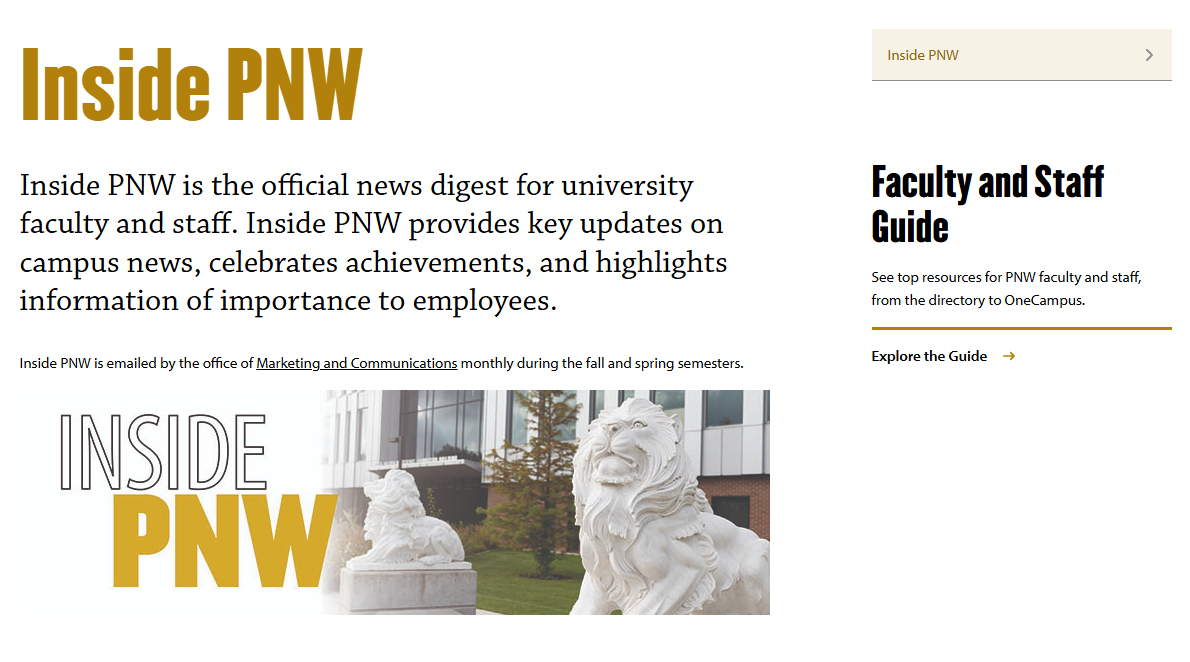
The Standard template is the most widely used template across the multisite network. The layout includes a main column, a right sidebar and a full-width region at the bottom of the page.
Learn more about working with Standard Pages
Full Width Page

The Full-Width template is used for marketing critical pages including landing pages and academic program pages. The layout is a single full-width region that includes 20+ module options. The modules offered present content in visually appealing ways that are less text-heavy.
Learn more about working with Full-Width pages
Posts
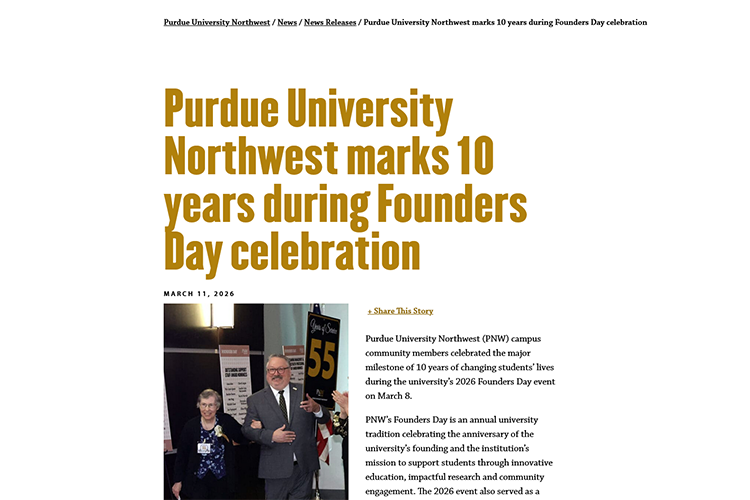
Posts are used to publish news and news-related content. Posts are primarily managed within the main PNW site and can be broadcast to sites across the multisite network.
Learn more about working with posts
Events
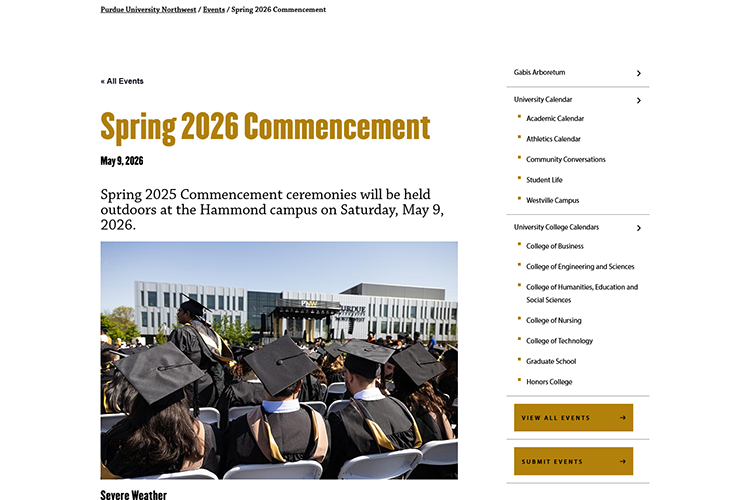
Events are managed within the main PNW site and can be broadcast to sites across the multisite network.
Learn more about working with Events
Faculty/Staff Pages
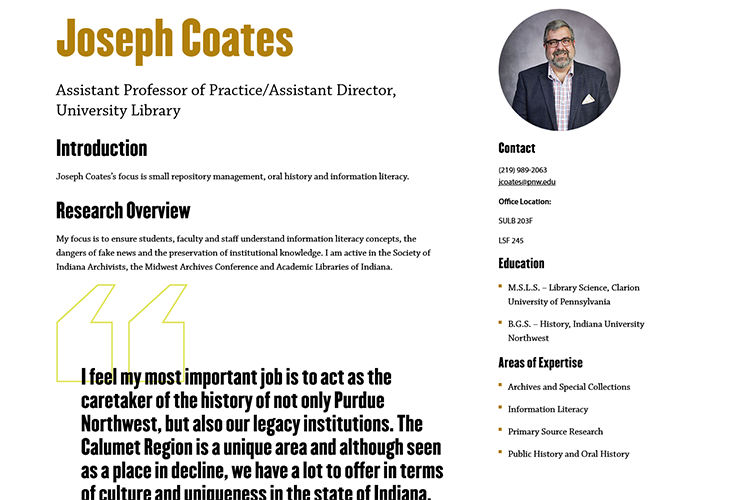
People are at the core of PNW and these listings help build connections with current and prospective students, alumni and donors, as well as establish our expertise inside and outside the university.
Learn more about working with faculty/staff pages

Editing Your Pages
Learn how to update and manage pages while staying consistent with PNW styles and guidelines.