Events
Events are managed within the main PNW site and can be broadcast to sites across the multisite network.
PNW web editors are able to contribute or submit events within the main site. These submissions must be reviewed by Marketing and Communications prior to being published to the main site or broadcast to subsites within the multisite network.
Submit an event through the event form
Key Fields
Enter the name of the event in this field.

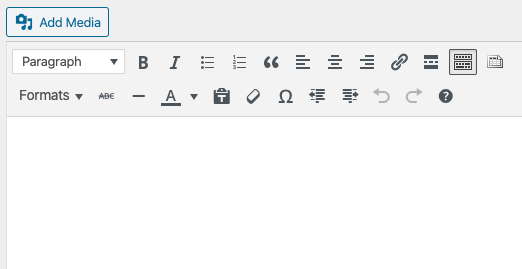
The next field is the main field for the Event and it leverages the main text editor.
Learn More About Editing the Website
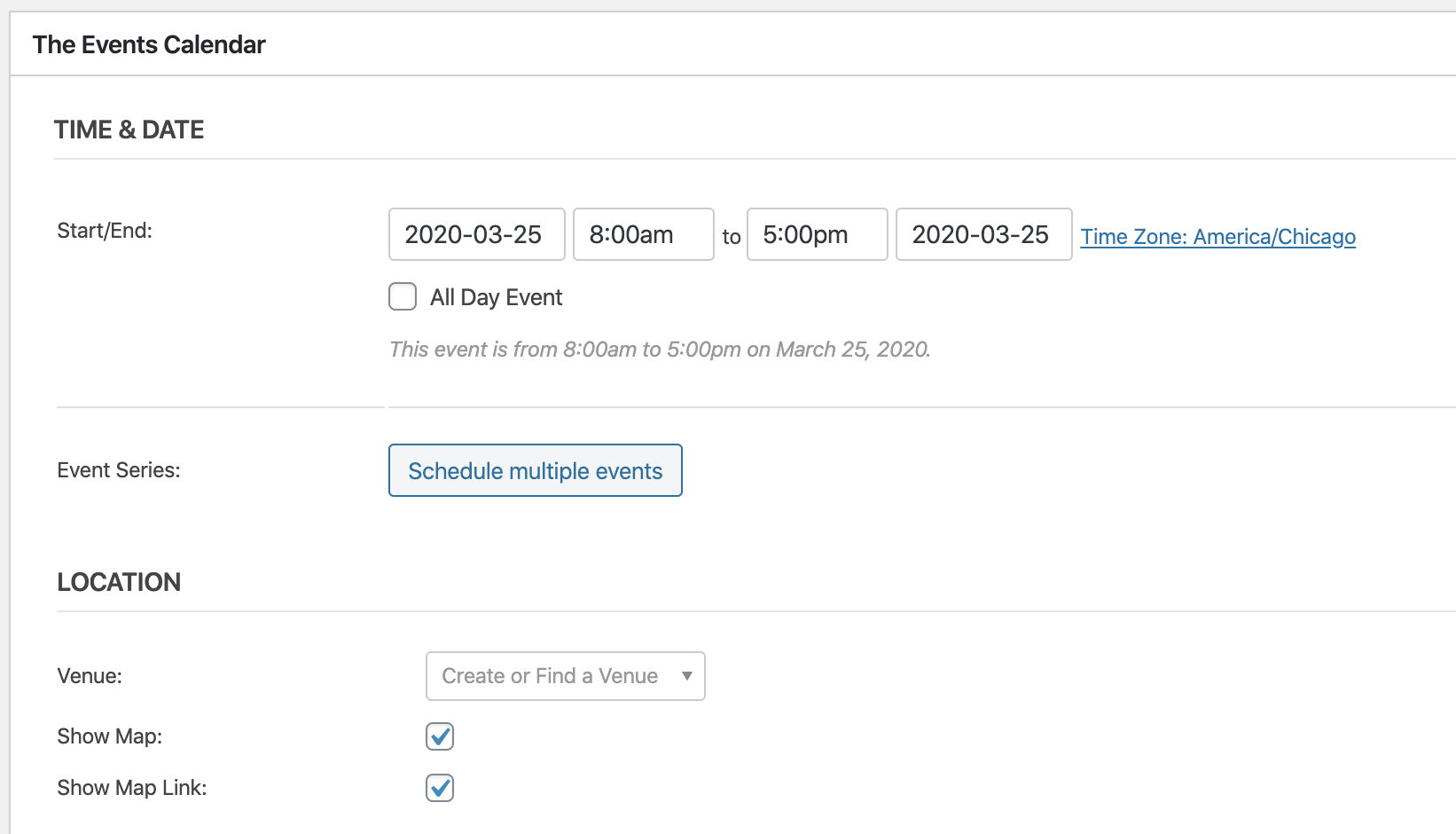
You can set the Time & Date for the event in this section.
Time and Date Features
- All Day Event: Displays the event all day or over multiple days.
- Event Series: Allows you to set up recurring events over a series of time.
- Venue: This dropdown allows you to select the location of the event.
- Shoe Map: This check box adds a Google map to the event detail page.
- Show Map Link: Provides a Google Maps link that lets the user get directions to the event location.
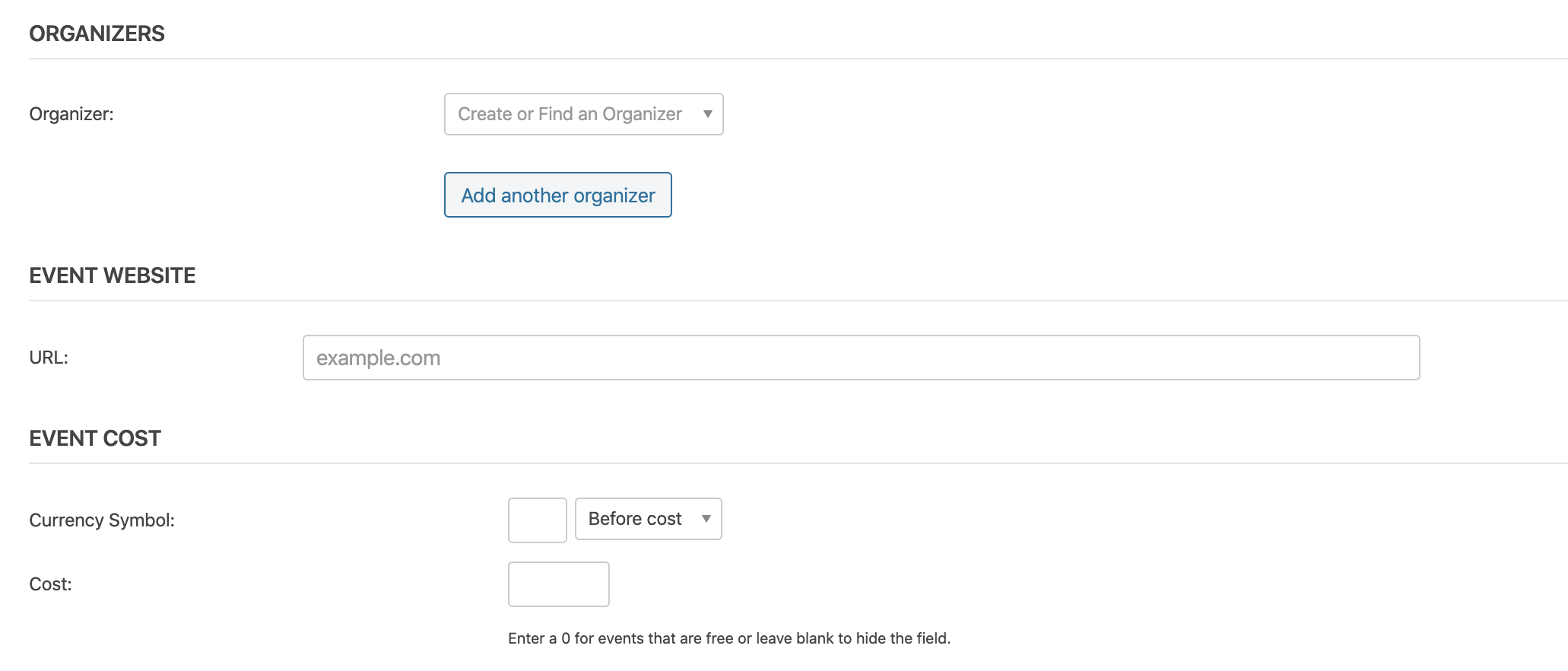
Please leave the organizers’ field blank.
If the event has an external website, enter the URL into the visual editor.
If the event has a cost, you can enter the details in the “Event Cost” fields.
All of these fields are optional, and they will not display on the event detail page if they are left blank.
Use this field to provide a brief description of the event (typically one sentence). This will be used to improve search engine results.

Additional Fields
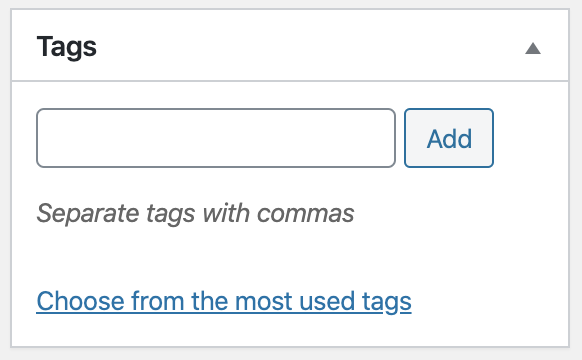
Add tag(s) to the event. These are used to help sort events in event listings across the site.
Note: Tags do not function as they do on social media. If you have questions about tags, please reach out to the web team.
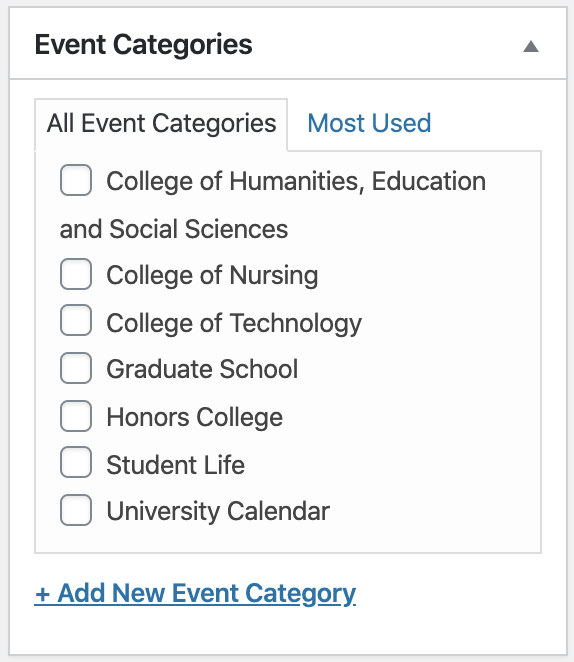
Categories act as sub-calendars and are displayed in the sidebar of calendar listing pages.
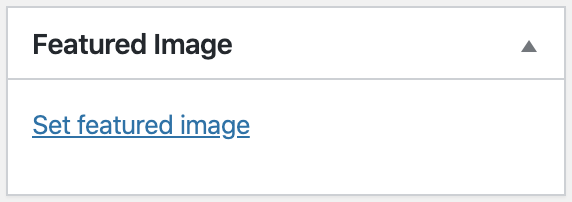
You can select an optional Featured Image to display in event listings and on the event detail page.