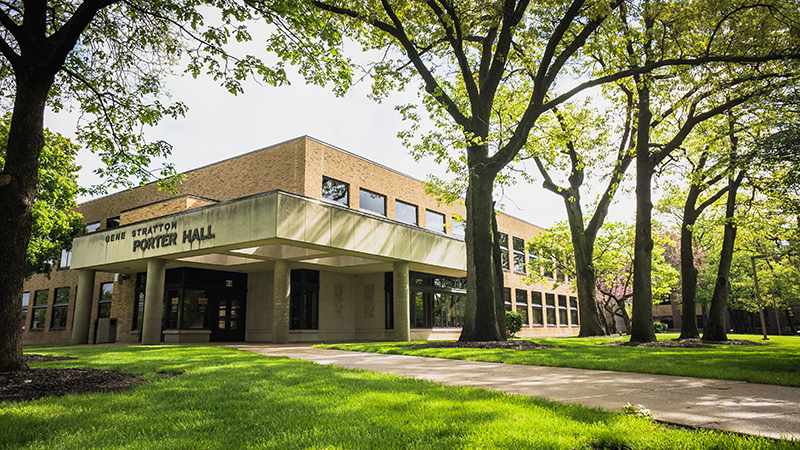
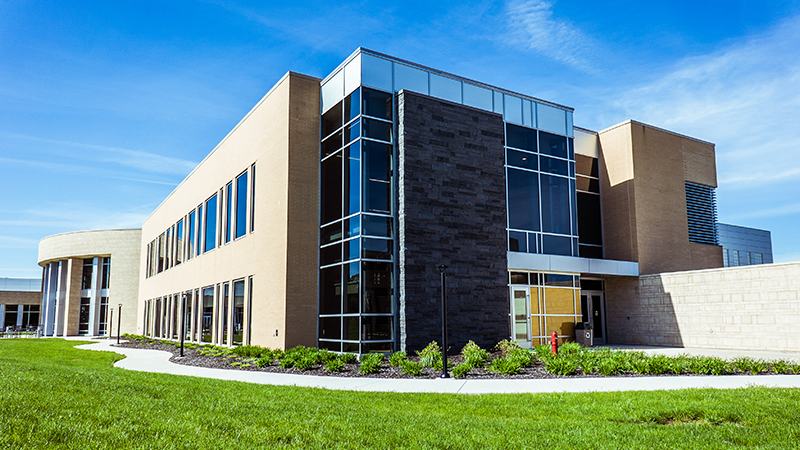
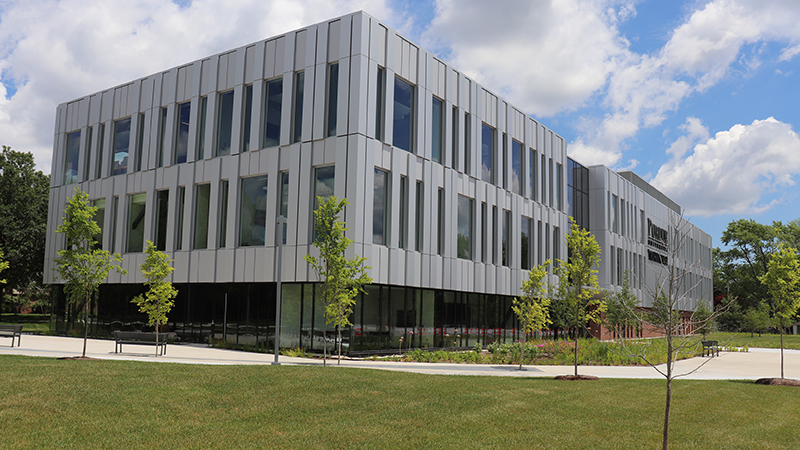
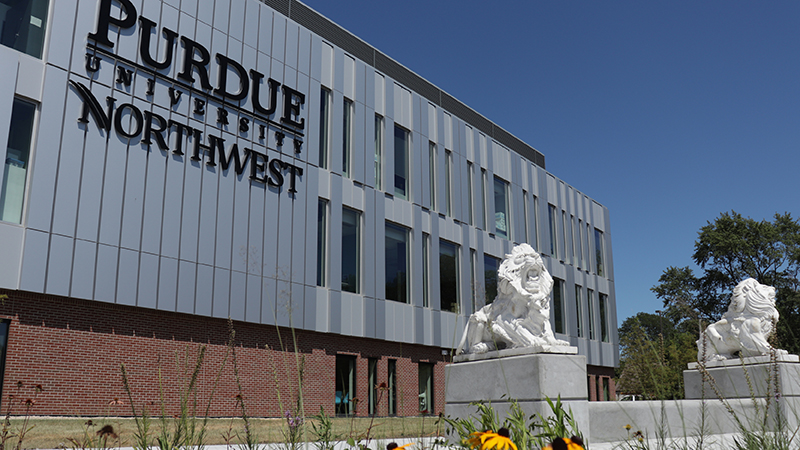
PNW Virtual Meeting Backgrounds
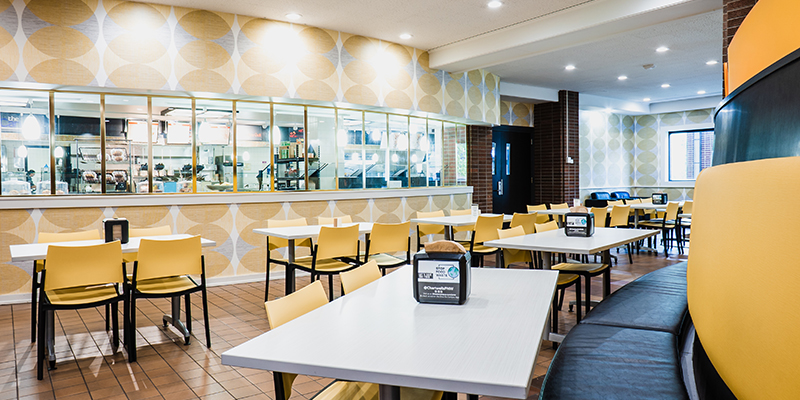
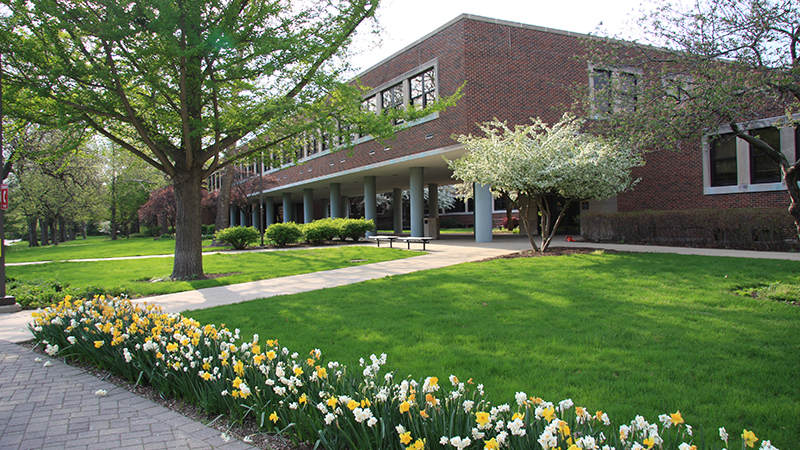
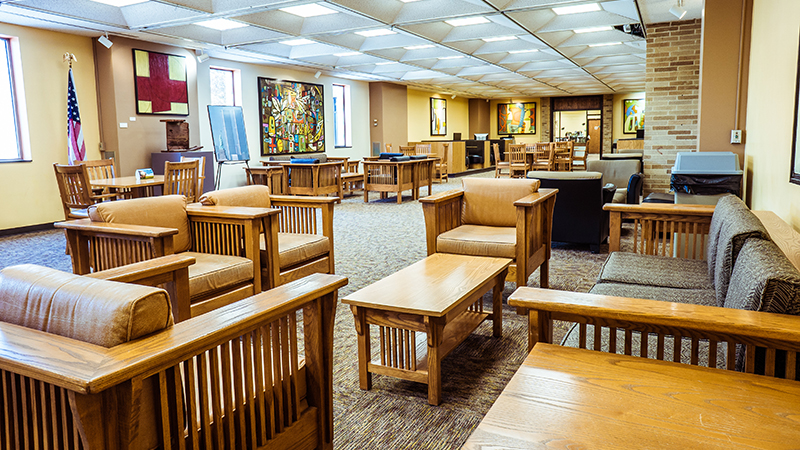
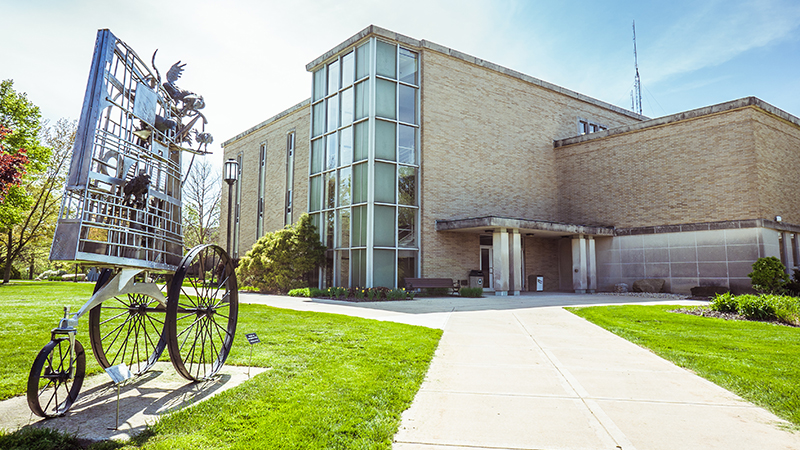
Participating in a virtual meeting? You can share a professional background image and show your PNW Pride with our Purdue University Northwest branded virtual backgrounds.
To download an image, click it to open a full-size version in your web browser. “Right-click” on the full-size image, and click “Save Image As…” Then follow directions from your conference call software to upload.
See Zoom’s Guidelines for Virtual Backgrounds
See WebEx Guidelines for Virtual Backgrounds
See Microsoft Team’s Guidelines for Virtual Backgrounds
Virtual Background Images